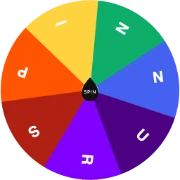
Free Dota 2 Hero Picker Wheel
Dota Hero's Picker Spinner Wheel: A Fun and Interactive Way to Randomly Choose Dota Hero's to Play with.

All results picked during current visit are shown here.
No results to show
 Dota Spinner Wheel
 Quick links
Spinnur Dota 2 Hero Picker Wheel - Spin to Pick Your Next Carry!
Discover the ultimate Dota 2 hero selector with our interactive spinner wheel! Spin to randomly choose from 120+ Dota heroes including Pudge, Invoker, and Techies. Perfect for players needing quick hero picks in pubs, tournaments, or casual games.
Download and play Dota 2 for free on Steam (Windows, Mac, Linux). Join millions of players in 5v5 matches across three lanes, battling to destroy the enemy Ancient. Start with Turbo mode or bot games for beginners, then compete in Ranked, Unranked, or The International qualifiers. Access Dota 2 via Steam client, Steam Deck, or GeForce Now cloud gaming - no downloads needed for browser play! 🎮
Why Choose Our Dota 2 hero Spinning Wheel?
- ➜ You can create a custom spinner wheel with any heroes you like.
- ➜ The wheel spins and randomly picks one unique hero every time.
- ➜ All current Dota 2 heroes are available.
- ➜ The result is random and fair, no matter how hard you spin the wheel.
How It works
- Add your choices : Add your options one at a time by clicking on the hero itself.
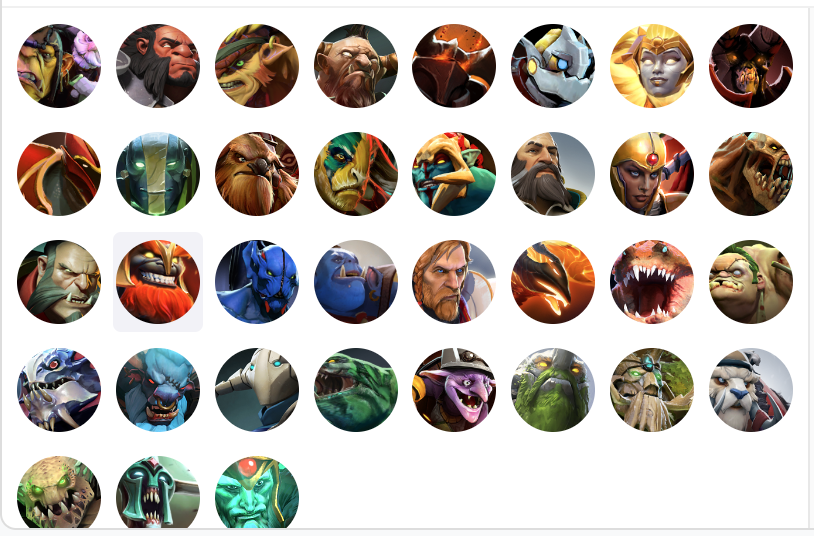
- Delete your choices : Remove your options one by one by clicking the X button. If you want to delete all choices at once, just click on "Delete All."
NOTE: Using the delete function will permanently remove your choices.

- Soft Delete your choices : If you want to temporarily remove your choices, use the checkbox to delete them one by one or the "Clear All" option to remove them all at once.


- Spin the Wheel: Click the spin button to start spinning.

- View Results: A randomly selected choice will pop up on your screen.
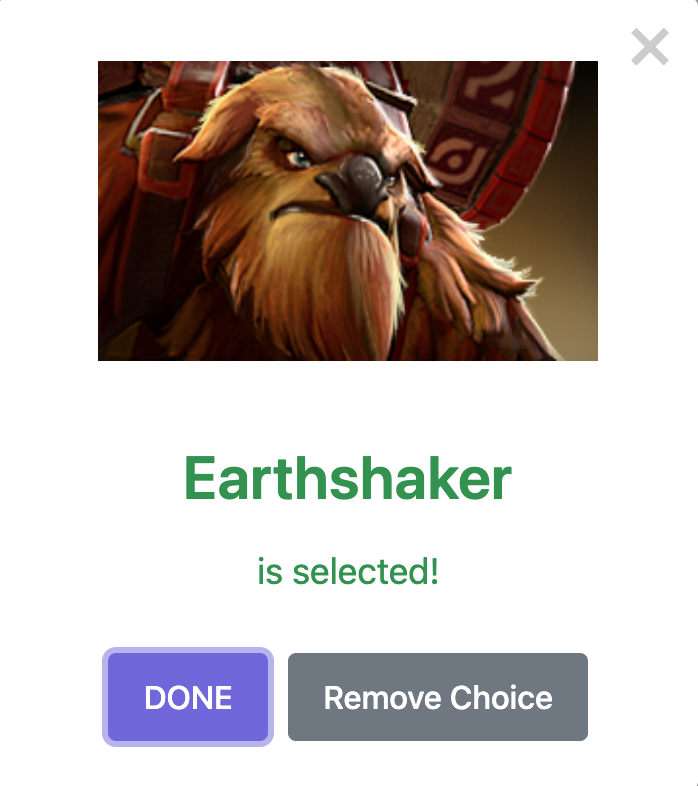
- Action Modes: Choose what action to take next ( modes explained below).
- Shuffle Inputs: You can shuffle or sort your inputs alphabetically if desired.
- Selected Results list: Click on the icon shown below to see the results selected during the current visit.

- Continue Spinning: Feel free to keep spinning for more selections.
Type of Modes :
- ➜ Normal Mode - Click on "DONE" : In this mode, the selected Heroes options will remain unchanged from your last spin.
- ➜ Elimination Mode - Click on "Remove Choice" : In this mode, the chosen Hero is removed from the list for the subsequent spin. Removed hero can be identified by the uncheck box.
Get Started Today!
Boost your MMR with randomized picks - spin now and surprise your enemies! 🎰⚔️ #Dota2 #HeroPicker #SpinnerWheel
What is the Dota 2 Hero Picker Wheel?
Dota 2 is famous for its complexity and its massive roster of over 120 unique heroes. Choosing the right hero can be the difference between a crushing victory and a frustrating defeat. Our Dota 2 Hero Picker Wheel is designed for those moments when you want to break out of your comfort zone. Whether you're a veteran player tired of picking the same three "mains" or a beginner looking to explore the roster, our wheel provides a fun, randomized way to select your next hero.
Why Use a Random Hero Picker?
Playing randomly has several benefits for Dota 2 players:
- Improve Your Versatility: Being able to play multiple roles (Carry, Support, Mid, Offlane) makes you a more valuable teammate.
- Learn Counters: By playing different heroes, you'll naturally learn their weaknesses and how to counter them when you're playing against them.
- Fun with Friends: Challenge your stack to an "All Random" night where everyone spins the wheel to decide their role and hero!
- Beat "Choice Paralysis": With so many heroes, it's easy to get stuck. The wheel makes the decision for you in seconds.
Features for Dota Players
We've tailored this wheel specifically for the Dota community:
- Full Roster Access: Our database includes every hero from Abaddon to Zeus.
- Attribute Filtering: (Coming Soon) We plan to allow filtering by Strength, Agility, and Intelligence.
- Elimination Mode: Perfect for planning a series of games. Once you've played a hero, remove it from the list for your next spin.
- Search Functionality: Quickly find specific heroes to build a custom "Challenge List" (e.g., "Only Carry Heroes I haven't played yet").
Tips for Your Next Match
If the wheel lands on a hero you're unfamiliar with, we recommend checking the "Guides" section in the Dota 2 client while the game is loading. Focus on learning the basic item build and ability progression. Remember, the goal of using a random picker is to have fun and expand your knowledge of the game. Good luck, and have fun in the lanes!